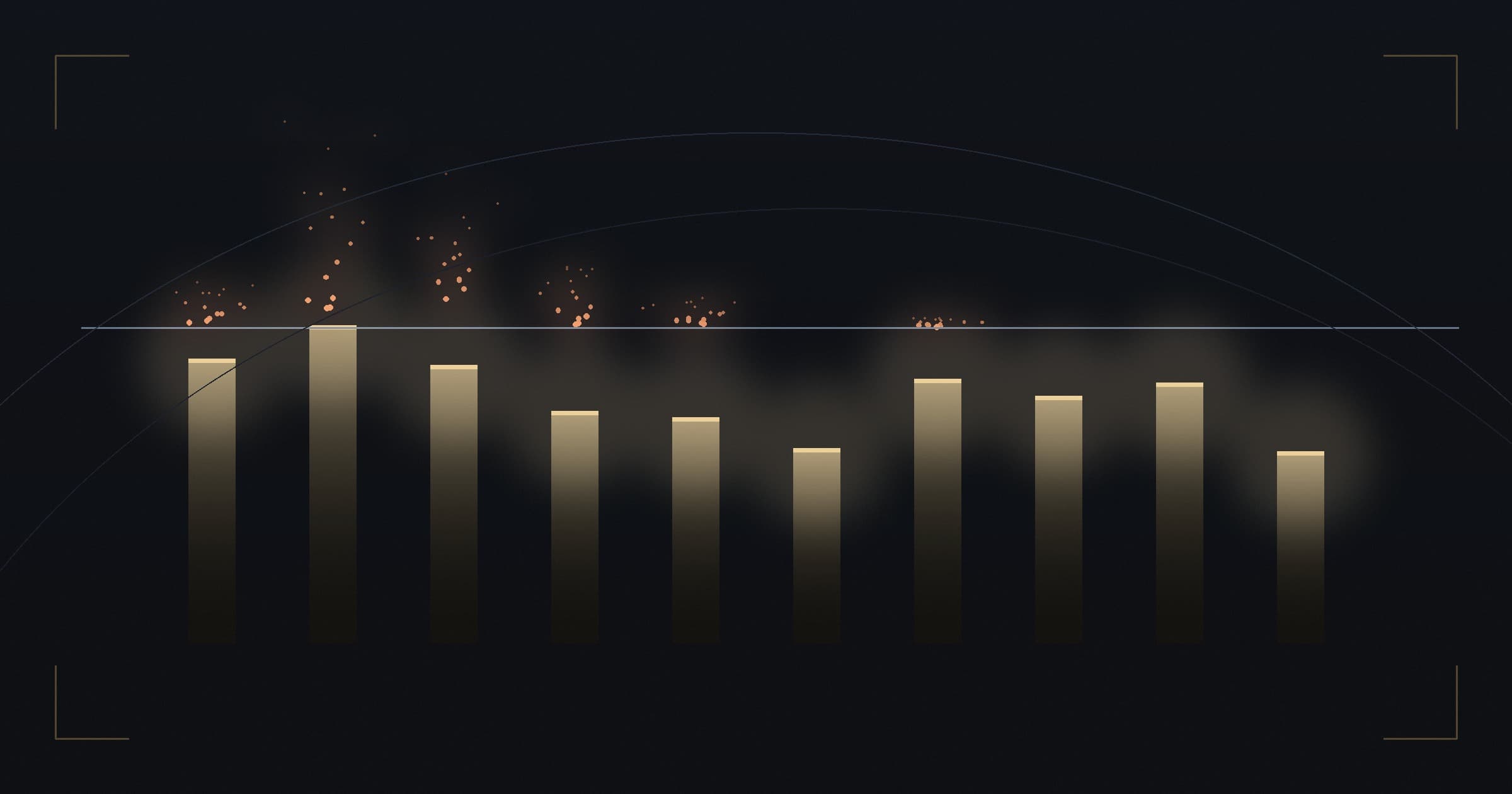
How to read this: each bar is a memory tier. Blue is the weight file; purple, the cache at a working context of 32,000 tokens; red, what would still be missing at the model's maximum context. When the bar goes past the white line, that rung only works for short conversations.
A chart is going around, in Spanish, that settles in a single table the most repeated question of anyone who wants to run AI at home: how much video memory do you have, and what runs on it. Ten tiers, from 4 GB to 256 GB, each one with its matching card and model.
I downloaded the file listings, read the models' config.json files and redid the math. The result
surprised me in the opposite direction from what I expected: the chart gets almost everything
right. Of the seventeen hardware verdicts, sixteen are correct. Every model it cites really
exists, with the right names. This is not a chart made up by someone who has never opened a terminal.
And even so it does not answer the question it promises to answer. Because it budgets half the math.
What the chart gets right, and it is a lot
The cards are right. RTX 5060 and 4060 have 8 GB; the 5060 Ti has 16 GB (and also exists in an 8 GB version, which the chart does not mention); the 4080 has 16 GB; the 3090 has 24 GB; the 5090 has 32 GB. The RTX PRO 6000 Blackwell has 96 GB across all three editions — Workstation, Max-Q and Server — which differ only in their power envelope. The DGX Spark has 128 GB of unified memory.
Apple's chips too. And here I was wrong before I checked: I thought the list had inverted the hierarchy, because it gave 96 GB to the M5 Ultra and 128 GB to the M5 Max. It did not invert anything. The 96 GB is the base configuration of the M5 Ultra; the 128 GB is the ceiling of the M5 Max. The real hierarchy of ceilings is M5 Ultra 512 GB, M5 Max 128 GB, M5 Pro 64 GB, M5 and M6 32 GB — strictly respected. The chart mixed floors with ceilings, which is confusing, but every cell is a configuration you can actually buy.
Even the M6 is right, and it is recent enough that I nearly threw it out: it was announced on August 25, 2026, two days before this verification. Apple's first 2 nm chip, up to 32 GB of unified memory, 170 GB/s of bandwidth, debuting in the Mac mini with shipping from September 22.
The models all exist: Gemma 4 (Google's current generation, released in April, the first in the family under the Apache 2.0 license), Qwen3.8-27B, Qwen3.8-Flash-Next and DeepSeek V4 Flash 0731. The quants it cites exist in the repositories it points to.
The one item on the list that does not exist
The RTX 5080 Super was never released.
The 24 GB the chart assigns to it was the planned specification, never that of a shipped product. The strong sources in the industry — VideoCardz, TechPowerUp, Tom's Hardware — describe the SUPER line as postponed indefinitely, and the cause is economic: the 3 GB GDDR7 module costs about three times the 2 GB one, in a market where datacenter demand absorbs the supply. There is a report of outright cancellation, but only in a weak secondary source, and I do not promote "reported as cancelled" to "cancelled".
For the reader, what matters is operational: that row recommends hardware you cannot buy. In the 24 GB tier, what exists today is an RTX 3090 (used) or an RTX 4090. I corrected that in the figure.
The error that decides: the chart budgets only the weights
Here is the real problem, and it is neither a hardware problem nor a naming problem.
The memory a model takes up has two parts. The first is the weight file — fixed, known before you download anything, and the only one the chart budgets. The second is the context cache: a structure that holds what has already been read and grows while you talk. It starts near zero and does not stop climbing until it hits the context limit.
I wrote an entire article about this second part — how it works, why the formula that goes around in viral charts is off by a factor of six to twenty on 2026 models, and how to calculate your own: How to know if an AI model runs on your computer — and why. Anyone who wants the formula and the derivation should go there. Here I just use the result.
Practical consequence: "it fits" is not a property of the model. It is a property of the pair (model, context). A chart that does not state the context is asserting something that cannot be checked — and, on most of the rows, the implied context is far too short for real use.
Rung by rung, with both parts
The weights below are the real size of the published GGUF file, converted to GiB. The cache came
from each model's config.json, with batch 1 and the cache in 16 bits.
| Memory | Model on the chart | Weights | + 32K cache | + cache at maximum context | Fits up to |
|---|---|---|---|---|---|
| 4 GB | Gemma 4 E2B QAT q4_0 | 3.12 | 3.57 ✅ | 4.88 ❌ | 32K |
| 8 GB | Gemma 4 12B QAT q4_0 | 6.50 | 8.66 ❌ | 22.66 ❌ | 8K |
| 16 GB | Gemma 4 12B Q8_0 | 11.80 | 13.96 ✅ | 27.96 ❌ | 32K |
| 24 GB | Qwen3.8-27B UD-Q4_K_M | 15.33 | 17.47 ✅ | 31.47 ❌ | 128K |
| 32 GB | Qwen3.8-27B UD-Q6_K | 20.47 | 22.61 ✅ | 36.61 ❌ | 128K |
| 48 GB | Qwen3.8-27B Q8_0 | 27.05 | 29.19 ✅ | 43.19 ✅ | 256K |
| 64 GB | Qwen3.8-27B BF16 | 50.91 | 53.05 ✅ | 67.05 ❌ | 128K |
| 96 GB | Qwen3.8-Flash-Next UD-Q2_K_XL | 73.45 | 74.31 ✅ | 79.56 ✅ | 256K |
| 128 GB | Qwen3.8-Flash-Next UD-Q4_K_XL | 103.68 | 104.54 ✅ | 109.79 ✅ | 256K |
| 256 GB | DeepSeek V4 Flash 0731 UD-Q8_K_XL | 150.75 | 153.44 ✅ | 172.25 ✅ | 256K |
Values in GiB. "Maximum context" is the largest context I measured for each model: 128K on the Gemma 4 E2B, 256K on the rest.
One rung out of ten does not add up even in a normal working session. Six out of ten do not add up at the maximum context of the very model the chart recommends.
The rung that breaks: 8 GB
It is the most popular row on the chart, because it is the best-selling card. And it is the one that does not hold up.
Google's official Gemma 4 12B in q4_0 takes up 6.50 GiB of weights on an 8 GB card. That leaves 1.5 GiB. The cache consumes 0.66 GiB at 8,000 tokens of context — it fits, barely. At 32,000 tokens, the cache goes to 2.16 GiB and the total hits 8.66 GiB on an 8 GB card. It does not fit. And 32,000 tokens is not an exotic context: it is a medium-sized code file, or half an hour of conversation.
Anyone who follows that row will download 7 GB, run it, find it great in the first few messages and watch the process die in the middle of a real task — without understanding why. It is the worst kind of wrong recommendation: the one that works in the test and fails in use.
Something similar, subtler, happens in the 16 GB tier. The chart offers the Gemma 4 26B A4B in Q4_K_M as an "at the limit" option. Measured, it is past the limit: 15.65 GiB of weights plus 1.35 GiB of cache at 32K come to 17.00 GiB on a 16 GB card.
And the 4 GB rung only adds up on plain text. The Gemma 4 E2B is multimodal, and the projector it carries in order to see images and hear audio weighs another 0.92 GiB: with it, the 3.57 GiB becomes 4.49 GiB and the 4 GB card cannot hold it. The chart recommends a model that sees, in a tier where only the part that reads fits.
And in the opposite direction, the chart is too conservative at 96 GB: it recommends the Flash-Next in UD-Q2_K_XL (73.45 GiB), but the UD-Q3_K_XL (83.81 GiB) plus 6.11 GiB of cache at maximum context add up to 89.92 GiB and fit with room to spare. In that tier you can pick a better quant than the one suggested.
Four naming traps
NVFP4 belongs to another ecosystem. The chart lists NVFP4 next to Q4_K_M, Q6_K and Q8_0,
as if they were options on the same menu. They are not. The Q* ones are GGUF formats, from
llama.cpp. NVFP4 is a 4-bit NVIDIA format that runs on vLLM and SGLang, requires Blackwell tensor
cores and comes from a different repository. Choosing between them is not choosing a quant — it is
choosing a different software stack.
Q4_K_M and Q6_K for Qwen3.8-27B only exist with the UD- prefix. In Unsloth's repository,
the only GGUFs without a prefix are Q4_0, Q4_1, Q8_0 and BF16. Anyone searching by the name
on the chart will not find the file.
DeepSeek's "Q8" is not 8 bits per weight. The UD-Q8_K_XL of DeepSeek V4 Flash 0731 is
161.87 GB for 304 billion parameters — which works out to about 4.3 bits per weight, not 8. Unsloth
themselves say on the model card that this file is only 7 GB larger than the Q4. The label describes
the precision of some tensors, not the average across the file.
The Hub's GB is not the card's GB. File size is published in billions of bytes; video memory is counted in powers of two. That is a 7% difference, enough to turn an "it fits" into an "it does not fit" on the tight rows. I converted everything to GiB in the table.
Three caveats that apply to the whole table
The rows with ✅ are still optimistic. Weights plus cache is not the total footprint of the process: it leaves out the CUDA or Metal context, the intermediate activations and what the operating system and the display already consume. Add 1 to 2 GB and work with 10% to 15% slack.
Two cards are not one big card. "2× RTX 5090 = 64 GB" is arithmetically right and architecturally misleading. The consumer Blackwell generation has no NVLink: the model has to be sliced across the two cards and the traffic between layers crosses the PCIe bus. It counts as aggregate capacity with an interconnect penalty, never as a single pool. The same goes for the two DGX Spark units adding up to 256 GB: the 200 Gb/s link between them delivers about 25 GB/s against the 273 GB/s of local memory. Genuinely unified memory, on this list, exists only on Apple Silicon and on a single DGX Spark.
On the Mac, not all of the unified memory belongs to the GPU. macOS reserves part of the pool
for the system. The limit is adjustable — on this machine, sysctl iogpu.wired_limit_mb returns
0, which means "use the system default" — but Apple does not publish what that default is. It is
the likely reason the chart gives the 128 GB M5 Max a smaller quant than the 128 GB DGX Spark, and
the distinction is fair: two identical numbers are not worth the same thing in practice.
What I would do with this
If you have 8 GB, do not download the 12B expecting to work with it. Use the Gemma 4 E4B, or accept the 12B with context capped at 8K and configure the server for that explicitly, instead of discovering the limit when the process dies.
If you have 24 or 32 GB, the Qwen3.8-27B is a good choice — but size the context. At 128,000 tokens
it fits; at the maximum of 262,144, it does not. Anyone who needs the maximum context in that tier
also has to quantize the cache, with --cache-type-k and --cache-type-v in llama.cpp. Quantizing
the weight file does not shrink the cache — they are separate things, and that is the most
common confusion I see.
And, in any tier: before choosing the quant, decide the context. The reverse order is what produces charts like this one.
How to redo this math
The numbers on this page are not second-hand. The weights are the size of the published files; the
cache came from a program that reads each model's config.json and separates the layers that store
cache from the ones that do not. The program that builds the table is published alongside it:
gerar-dataset.py.
Every row carries the repository the weight came from, and the math is a subtraction — you can check any cell by hand.
Sources
- Qwen3.8-27B · GGUF · NVFP4
- Qwen3.8-Flash-Next · GGUF
- DeepSeek V4 Flash 0731 · GGUF
- Gemma 4 — announcement · release notes · technical report · official QAT GGUF for the 12B · official QAT GGUF for the E2B
- llama.cpp — bits per weight for each format
- Apple: Mac Studio (M5 Max and M5 Ultra) · MacBook Pro 14" (M5 Pro and M5 Max) · M6 and M5 Ultra announcement
- RTX 50 SUPER postponed: VideoCardz · TechPowerUp · Tom's Hardware, on the price of GDDR7
- The math of the two parts, in detail: How to know if an AI model runs on your computer — and why · citable package
Verified on August 27, 2026. The file sizes were read on the Hugging Face Hub on that date; the
cache was calculated from the published config.json files, not measured during execution. The
absence of the RTX 5080 Super and Apple's memory configurations were checked against the sources
listed. Anything that was not checked is declared as such in the body.